If you manage travel packages in R24k Travel Manager, you already have everything you need. Travel Manager exports your packages directly to your WordPress site. Publish on Social Media picks them up, generates a caption, and lets you attach a custom map visual before posting to Instagram, Facebook, and beyond.
What custom travel maps look like
Each map is built for a specific itinerary: the route, the stops, and the style of the operator. A beach resort package gets a coastal map. A road trip gets a route overlay. A multi-country tour gets a regional overview. The examples below are real maps built for Travel Manager clients.
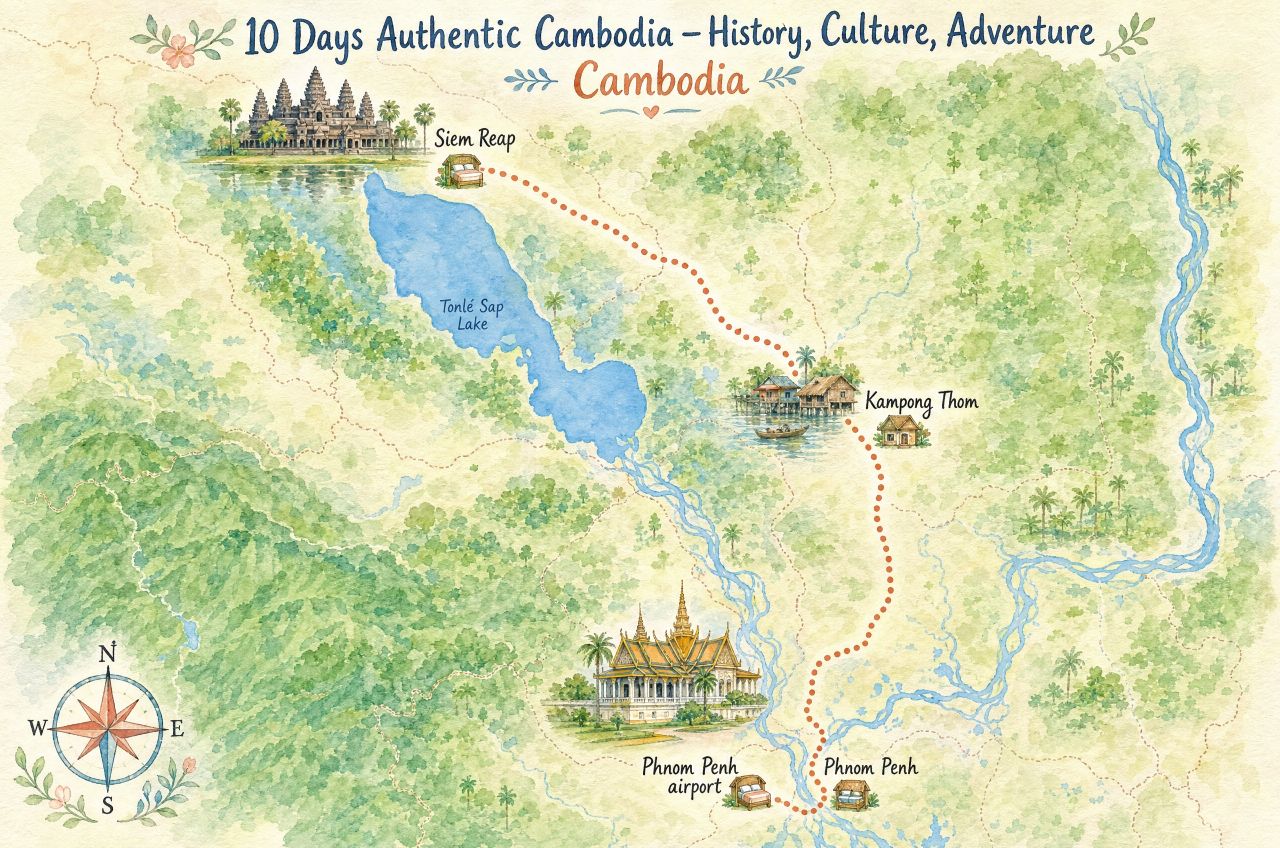
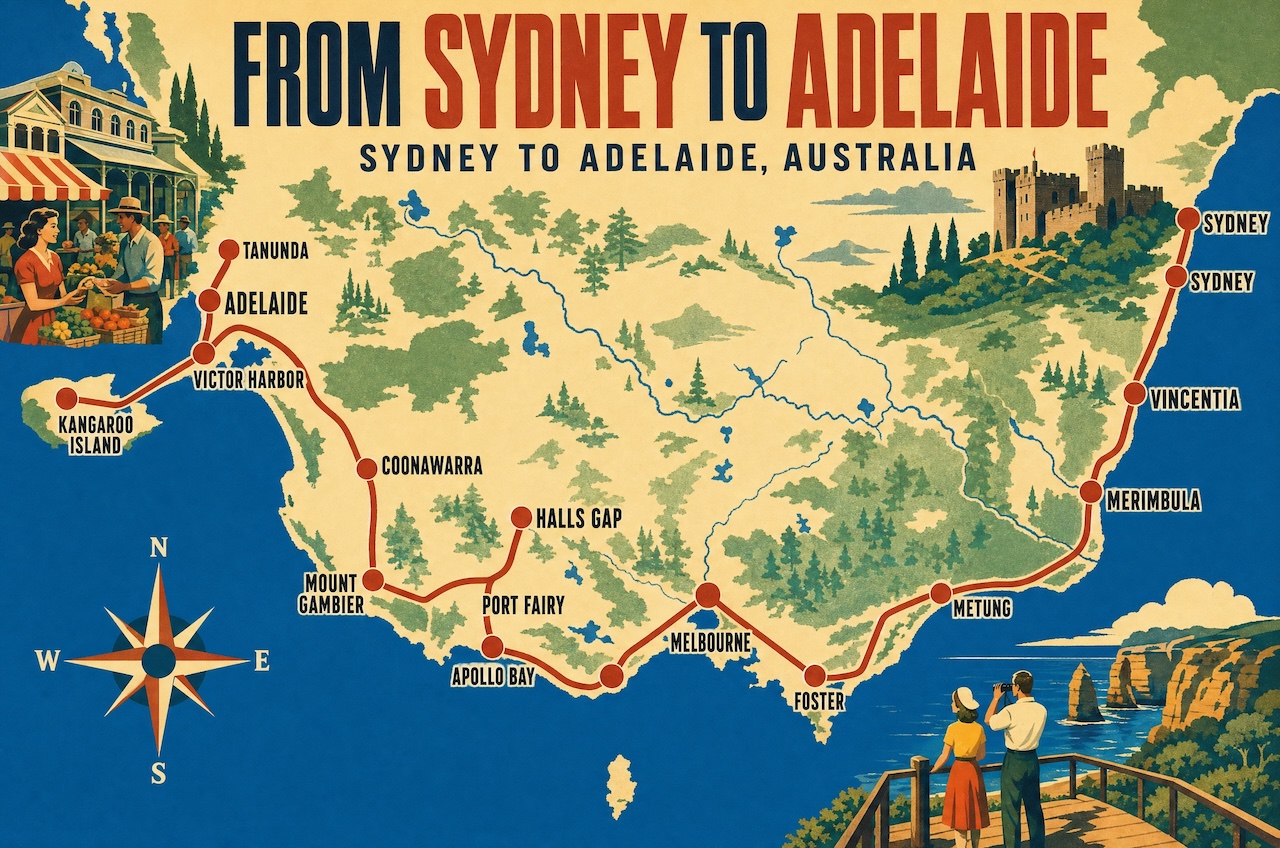
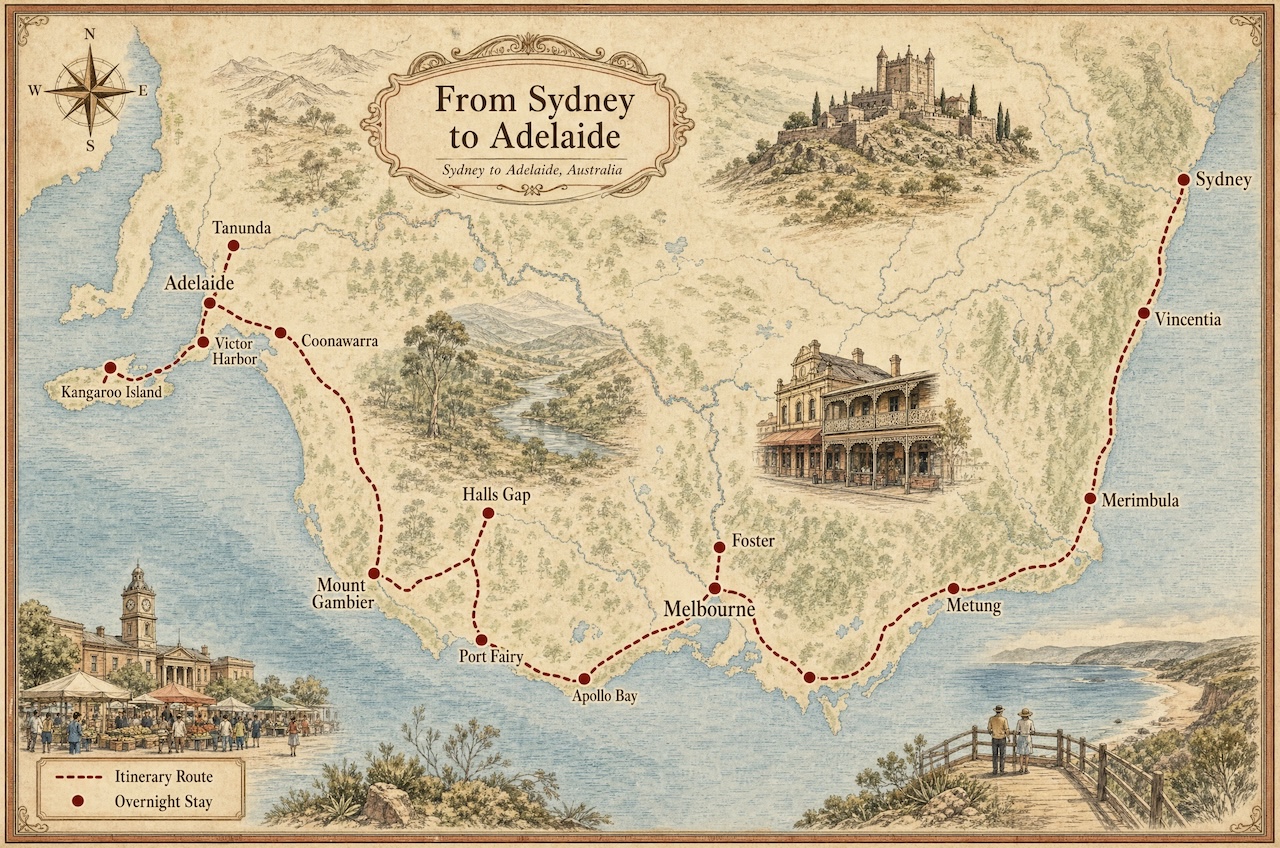
Operators running this workflow include Cambodian Travel Partner, whose packages cover Cambodia itineraries like the one above, and Australia Pacific Vacations, who work with long-distance Australia and New Zealand routes of exactly this kind. For more on how travel businesses build a posting routine around this, see social media automation for tour operators.
How the workflow works
Build your packages in R24k Travel Manager
Enter your itineraries, destinations, descriptions, and pricing in R24k Travel Manager. This is the source of truth for your package content.
Export packages to your WordPress site
Travel Manager's package exporter publishes your packages as pages on your WordPress site. Each package gets its own URL, description, and structured content -- ready for search engines and social posts.
Browse your packages in Publish on Social Media
Your WordPress content shows up automatically in the Publish on Social Media dashboard. Select a package, and the app generates a caption from the page content. Swap in your custom map as the visual.
Schedule and post to every platform
Pick Instagram, Facebook, LinkedIn -- or all of them. Set a date and time, and the post goes out automatically. Queue multiple packages across the week and track engagement from your dashboard.
Why maps outperform stock photos for travel
Social feeds are saturated with generic travel photography. A map does something a photo cannot: it communicates a concrete, specific product. Your audience can see exactly where your package goes, how many destinations are included, and what region it covers -- before they read a single word of caption.
Maps also signal professionalism. A branded map with consistent colors and typography shows that you designed your product, not just resold it. That builds trust before the booking conversation starts.
From an engagement standpoint, maps tend to hold attention longer than photos. People zoom in, share with travel companions, and save for later reference. Each of those actions boosts organic reach.
Start publishing your travel packages today. One week for $5, no auto-renewal.
Start the $5 trial